ChatGPT does my weekly Trello review
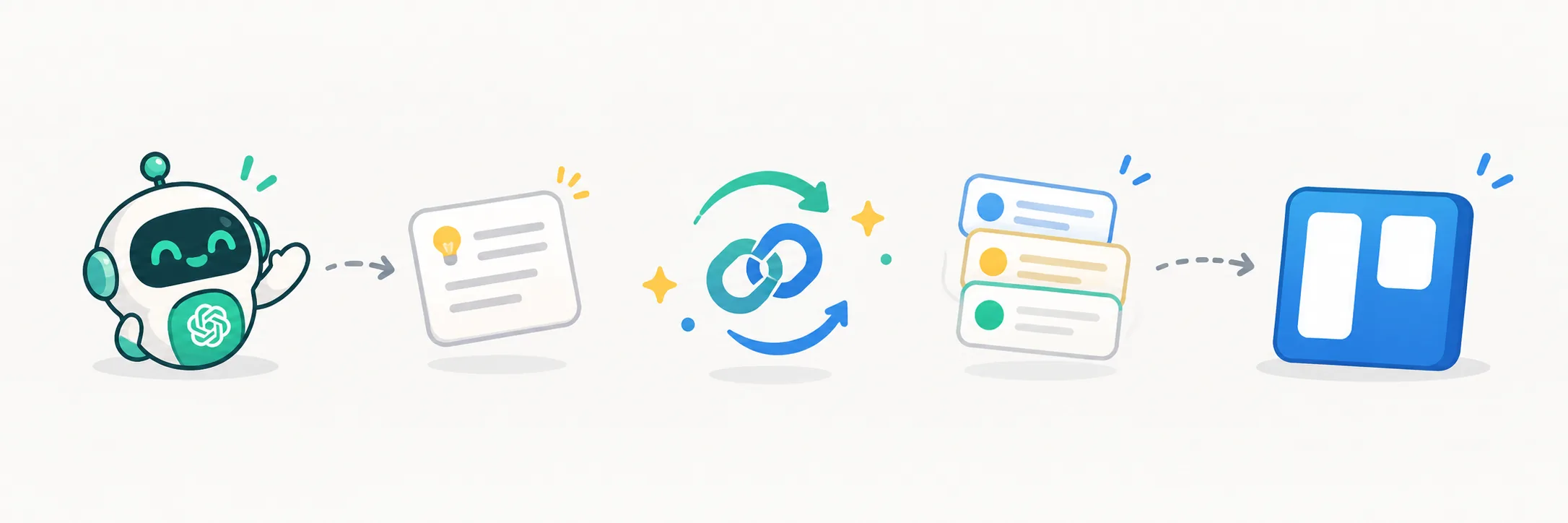
My Trello boards and ChatGPT are connected now, and it quietly changed how I run my weeks. I can add a task, move a card, or ask what needs attention without opening Trello at all.
Setup was the official Trello connector, the one-click kind. You authorize a workspace, and from then on the assistant can read boards, lists, cards and checklists, and write back to them. No Zap to maintain, no API key to babysit.
The everyday uses are small and that is the point. A thought arrives mid-conversation and becomes a card in the right list before I lose it. A planning chat ends and I say turn this into cards, and the board matches what we just discussed. No retyping, no momentum lost to tab-switching.
The one I love most is the weekly review. On schedule, it looks over my boards and tells me what moved, what is due, and what has gone quiet. Cards I would have found three weeks late now surface on Monday morning. It is the closest thing I have to someone tidying my desk while I sleep.
It is not perfect. When two boards have similar names it sometimes grabs the wrong one, so I have learned to name the board in the request. A small habit, worth it. The board stays the source of truth. The assistant just does the fetching and filing faster than I ever did.